Blog
How to publish AI-generated websites the right way
AI can help you create a website draft quickly, but getting that draft onto a real public URL is where most people get stuck. This guide explains how to go from generated output to a live website that you can share, improve, and connect to your product.
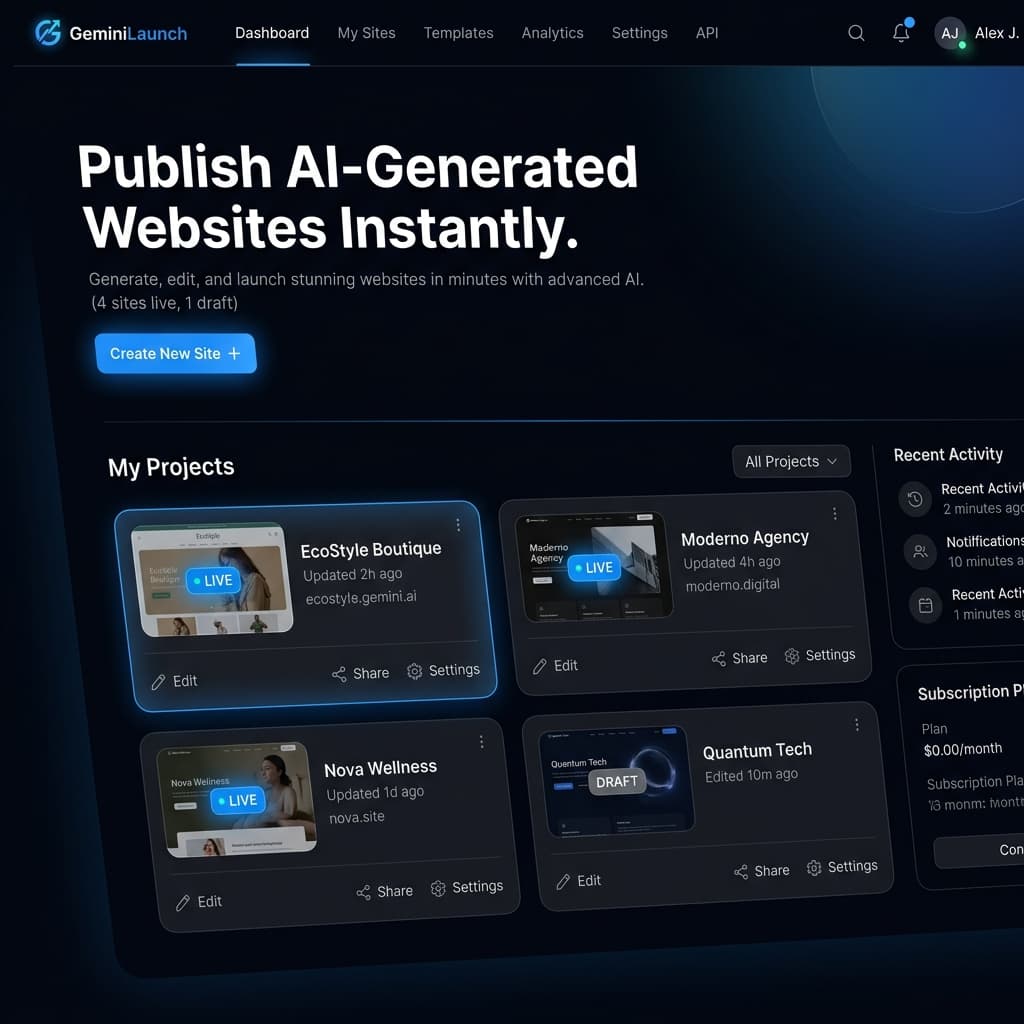
Why publishing AI-generated websites is harder than generating them
Tools like Gemini can generate a landing page, product site, or HTML prototype very quickly. But most users still need to figure out hosting, domains, shareable links, updates, and how to keep improving the page after the first version is created.
That gap between generation and publishing is where many good ideas stall. A page sitting inside a local file, code block, or chat response does not help much until it is live on the web and easy to update.
The goal is not just to generate a page. The real goal is to publish it in a way that makes iteration, sharing, and SEO possible.
Step-by-step: how to publish AI-generated websites
A simple workflow works best. The process below is enough for most AI-generated website launches.
Step 1
Generate the first version
Start with a prompt, generated HTML, or React output. The key is getting a workable draft, not a perfect final version.
Step 2
Review the page structure
Before publishing, check headings, body content, links, and visual hierarchy so the page is understandable to users and search engines.
Step 3
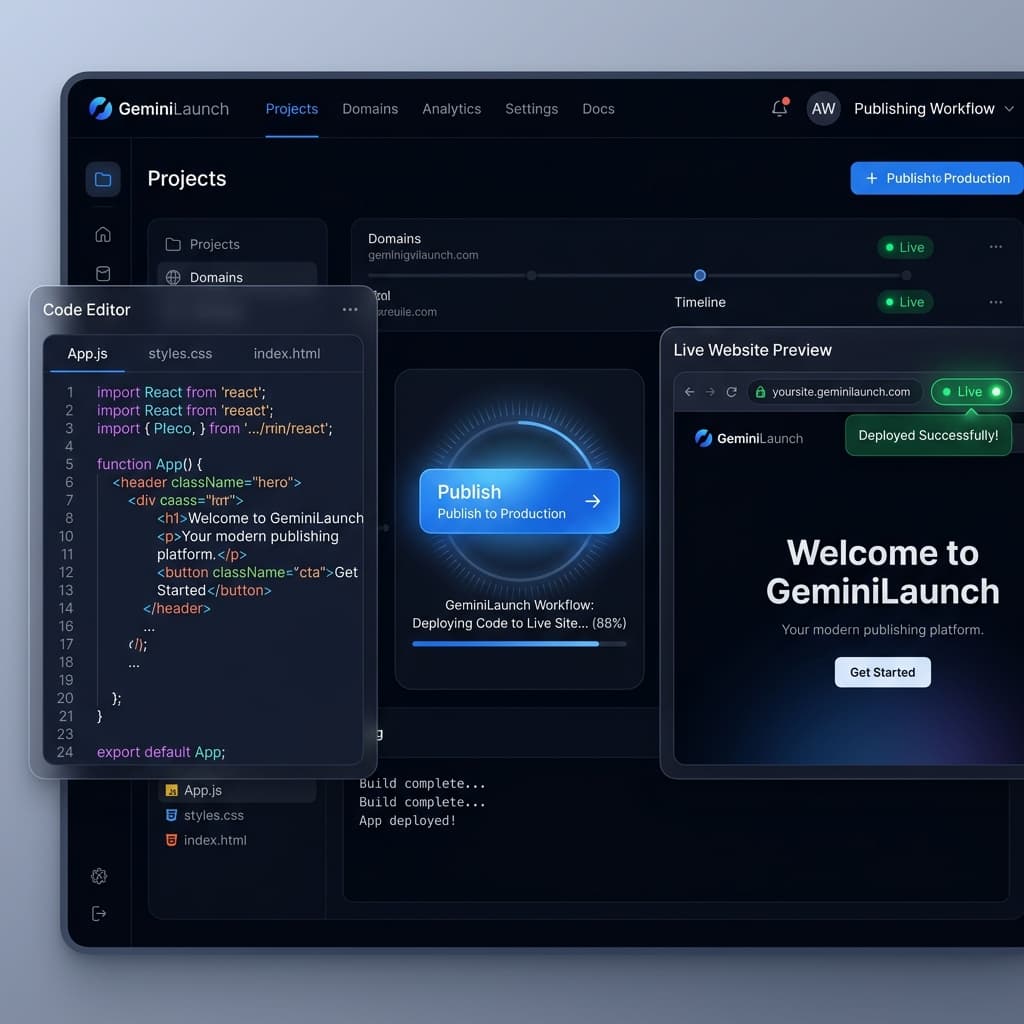
Publish to a live URL
Move the draft from a local file or chat output into a hosted environment so it can be shared, indexed, and improved over time.
Step 4
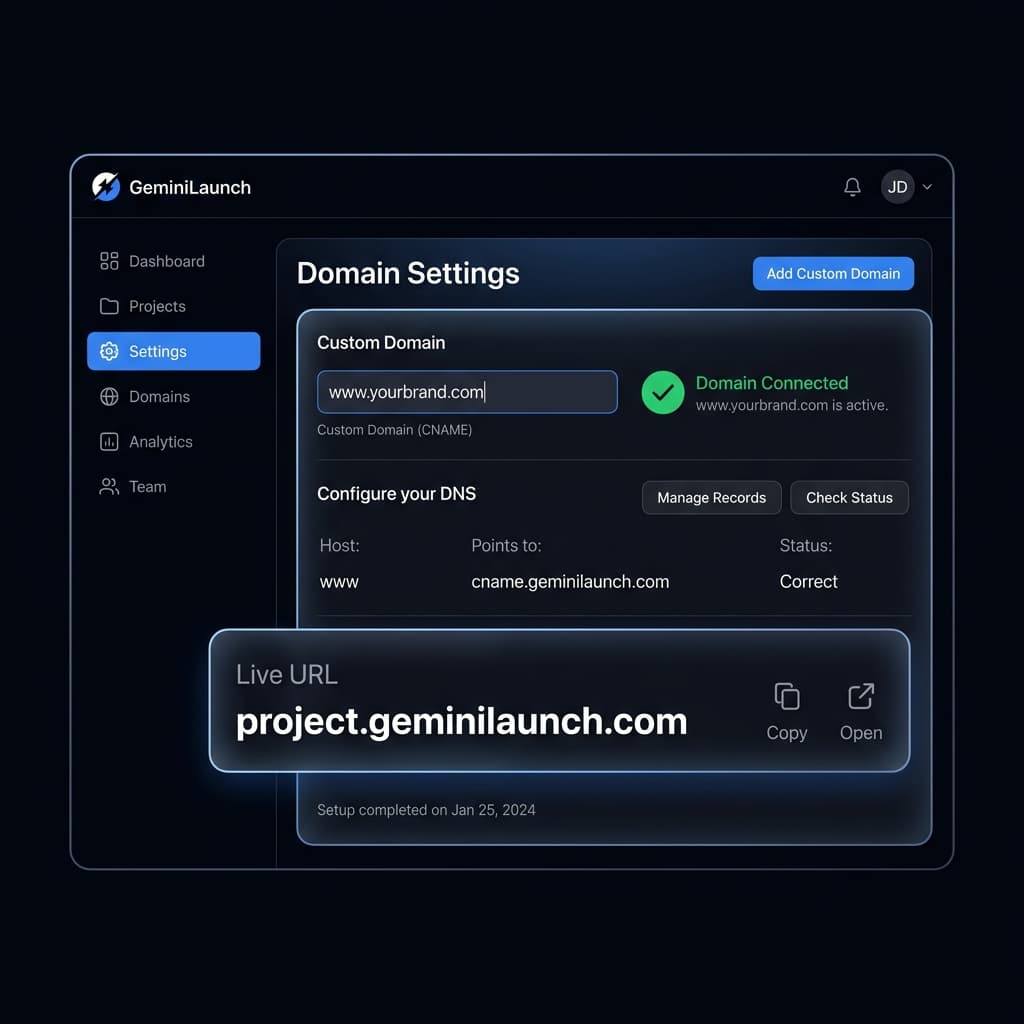
Connect a domain when ready
Once the page is worth showing publicly, attach a branded domain so it feels like a real product surface instead of a temporary experiment.
Step 5
Keep iterating after launch
Publishing is not the final step. The best AI-generated pages improve through edits, testing, and clearer product messaging.
Common mistakes to avoid
Publishing a generated page without checking whether the content is clear and accurate.
Leaving the page on a temporary local file instead of putting it on a real URL.
Skipping metadata, headings, and internal links that help search engines understand the page.
Treating the first AI draft as final instead of improving structure, messaging, and conversion flow.
Why GeminiLaunch fits this workflow
GeminiLaunch is built around the exact problem that comes after generation: getting an AI-generated page onto a live URL quickly, then improving it without unnecessary setup friction.
If your main goal is to publish generated HTML, launch a landing page, or move from a prompt to a real public website fast, the product is positioned around that workflow rather than a full traditional hosting setup.