Quick answer
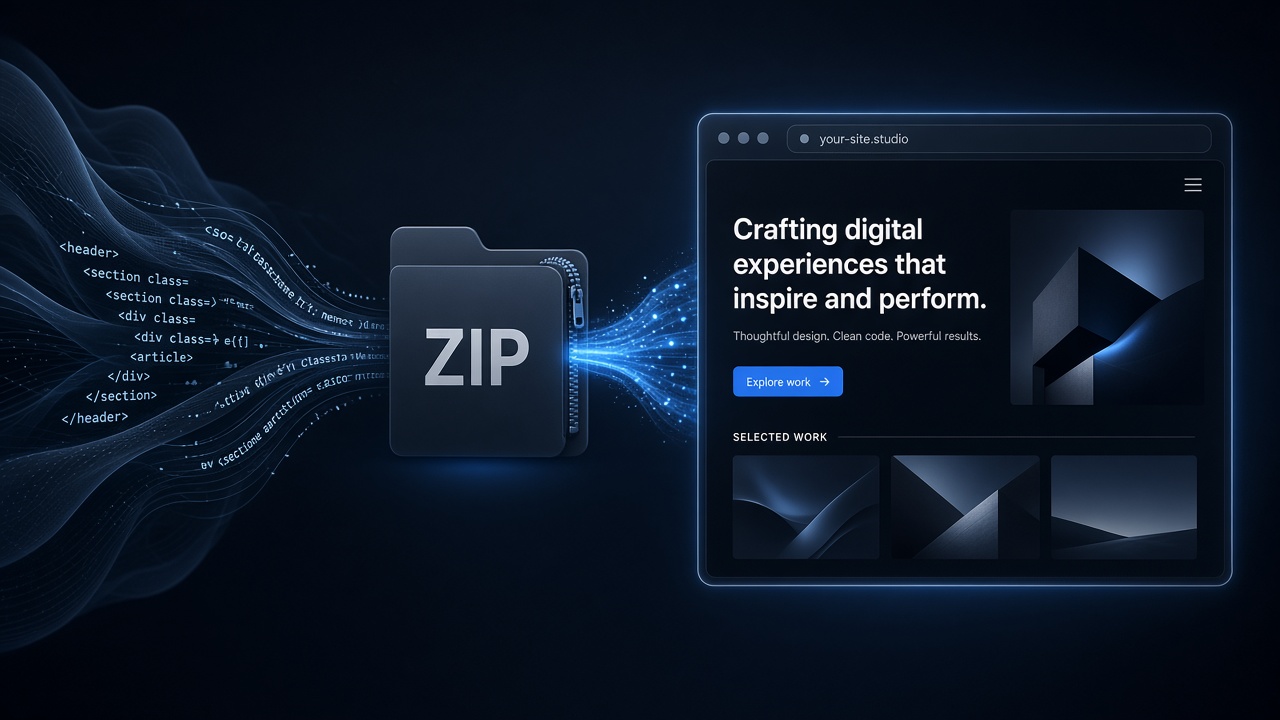
Claude Design: Export → Download as .zip → upload on GeminiLaunch. Google Stitch: download each screen’s HTML, put index.html at the folder root, ZIP or upload the folder, Go Live. No GitHub required. Connect yourbrand.com from Lite ($15/mo).
Exports
What Google Stitch and Claude Design actually give you
Claude Design (Anthropic Labs) builds sites and prototypes in conversation, then exports a .zip of website files. Official Drop guides treat that ZIP as static — drag, deploy, done.
Google Stitch (Google Labs) turns prompts and sketches into UI with HTML (often Tailwind) behind each screen. You download HTML from the code view per screen, then assemble a folder — optional ZIP — for any static host.
Key insight
Neither tool replaces hosting by itself. The export is the product; the live URL is the host. Same pattern as ChatGPT Sites vs chat export — design first, publish second.
Sources: Deploy Claude Design (Vercel KB), Google Stitch + Drop (Vercel KB), Stitch docs.
Step-by-step
From Stitch or Claude Design to a live URL
Most static exports are live on a free subdomain in under two minutes. DNS for a custom domain adds a few more.
Export from Claude Design or Google Stitch
Claude Design: open the project, choose Export → Download as .zip. Google Stitch: open each screen’s code view (the < > icon), download the HTML, and collect the files in one folder on your computer.
Tip: Stitch does not always ship a single project ZIP — treat each screen as a page file. Claude Design’s ZIP is usually ready to upload as-is.
Make the homepage obvious
Put (or rename) your main page to index.html at the top of the folder. For Stitch multi-screen sites, keep other screens as pricing.html, about.html, and so on — visitors open them at /pricing.html style paths.
Tip: If you zip a wrapper folder by accident, index.html ends up one level too deep and the root URL looks blank. Zip the files inside the folder, or see our blank-ZIP fixes guide.
Upload ZIP or folder on GeminiLaunch
Create a project, open ZIP / Folder, and upload the archive or the folder. Click Go Live for a free HTTPS URL on a GeminiLaunch subdomain — no GitHub, no CLI, no build step for static Stitch/Claude Design exports.
Tip: Free uploads up to 5 MB; Pro and Scale raise ZIP/folder uploads to 45 MB for image-heavy designs.
Share — then connect yourbrand.com from Lite
Send the free subdomain to clients or teammates. When you want yourbrand.com, upgrade to GeminiLaunch Lite ($5/mo) for 1 domain, or Pro ($15/mo) for up to 5. Add the domain, and create the DNS record shown in the dashboard. Free SSL is included.
Tip: Lite includes 1 custom domain; Pro includes up to 5. Scale removes the domain cap for agencies.
Compare
Export paths at a glance
| Path | Export | Prep | Upload | Best for |
|---|---|---|---|---|
| Claude Design | One .zip of website files | Export → Download as .zip | Drop ZIP as-is (or unzip first) | Pro/Max/Team/Enterprise Claude users with a full project ZIP |
| Google Stitch | HTML per screen (not one ZIP by default) | Code view (< >) → download each screen → folder | Rename homepage to index.html, then ZIP or upload folder | Prompt-to-UI screens that need a real public URL |
| GeminiLaunch | Accepts ZIP or folder | index.html at root (or inside public/) | ZIP / Folder tab → Go Live | Fastest path from design export to shareable HTTPS URL |
Need the general ZIP rules (size limits, folder structure)? See host a website from a ZIP or folder.
Decision
When GeminiLaunch vs Drop hosts
Prefer GeminiLaunch when
You want a live URL without signing up for another Drop host’s Git flow
You already use GeminiLaunch for ChatGPT, Claude artifacts, or Gemini Canvas pastes
You need commercial use on a free subdomain, then a simple Pro plan for DNS
Your Claude Design ZIP or Stitch folder is static HTML — no npm build required
Drop / native connectors are fine when
You already live in the Vercel or Netlify ecosystem and prefer their Drop UI
Claude Design’s native “send to” connector for a specific host fits your stack
You plan to connect Git later for continuous deploys on every push
Avoid these
Common mistakes
Uploading Stitch screens without an index.html
Stitch downloads are often named after the screen. Static hosts look for index.html at /. Rename your homepage file before you upload, or pick a root page if the host asks.
Confusing Claude Design with a chat Artifact
A Claude chat Artifact is usually one HTML/React block you copy or download. Claude Design exports a fuller project ZIP. Use the ZIP path here; for single artifacts, paste or see our Claude artifact guide.
Assuming Vercel Drop is the only option
Vercel documents Stitch and Claude Design → Drop well. GeminiLaunch, Netlify Drop, and Cloudflare-style uploads also accept static ZIP/folder exports — pick the host that matches pricing, commercial terms, and domain needs.
Skipping a local open-in-browser check
Unzip and open index.html locally first. If styles or images fail on disk, they will fail on every host until asset paths are fixed.
Blank after upload? Read why your uploaded website is blank.
Frequently asked questions
Can I host a Google Stitch design with a ZIP upload?
Yes. Stitch usually exports HTML per screen from the code view, not one automatic project ZIP. Put the files in a folder, rename the homepage to index.html, zip if you want, then upload the ZIP or folder to GeminiLaunch (or any static Drop host).
How do I export Claude Design as a ZIP?
In Claude Design, open Export and choose Download as .zip. That archive is static website files. Upload it on GeminiLaunch’s ZIP / Folder tab — many hosts also accept the ZIP without unzipping first.
Do I need GitHub to publish Stitch or Claude Design?
No for static exports. ZIP/folder Drop-style hosts publish the files as-is. Connect Git only if you want continuous deploys later.
Is hosting a Claude Design ZIP free on GeminiLaunch?
Yes for a free GeminiLaunch subdomain (Free plan limits apply, including 5 MB ZIP/folder uploads). Custom domains start on Lite at $5/mo (1 domain); Pro at $15/mo includes up to 5 domains.
Google Stitch vs Claude Design — which exports a ZIP?
Claude Design is built around Download as .zip. Google Stitch is screen-by-screen HTML download; you assemble the folder (and optional ZIP) yourself. Both end as static files ready for Drop upload.
Claude Design ZIP vs Vercel Drop — should I use GeminiLaunch instead?
Use Vercel Drop if you already want Vercel hosting. Use GeminiLaunch if you prefer paste-or-ZIP publishing aimed at AI exports, a free commercial-friendly subdomain path, and a simple Pro custom-domain upgrade without Git.
Why is my Stitch upload blank after going live?
Usually missing index.html at the archive root, an extra nested folder, or broken asset paths. Open DevTools → Network, then follow our blank ZIP troubleshooting guide.
Can I connect my own domain to a Stitch or Claude Design site?
Yes on GeminiLaunch Lite or Pro: publish first on the free URL, then add yourbrand.com and the DNS record shown in the dashboard. Free SSL is automatic.
Ready to publish your design export?
Upload your Claude Design ZIP or Stitch folder and get a free live URL — then add your domain when you are ready.
Like this guide? Make GeminiLaunch a preferred source.
Get our hosting and deployment guides surfaced first in your Google results, AI Overviews, and Top Stories.