Start here
Choose your path
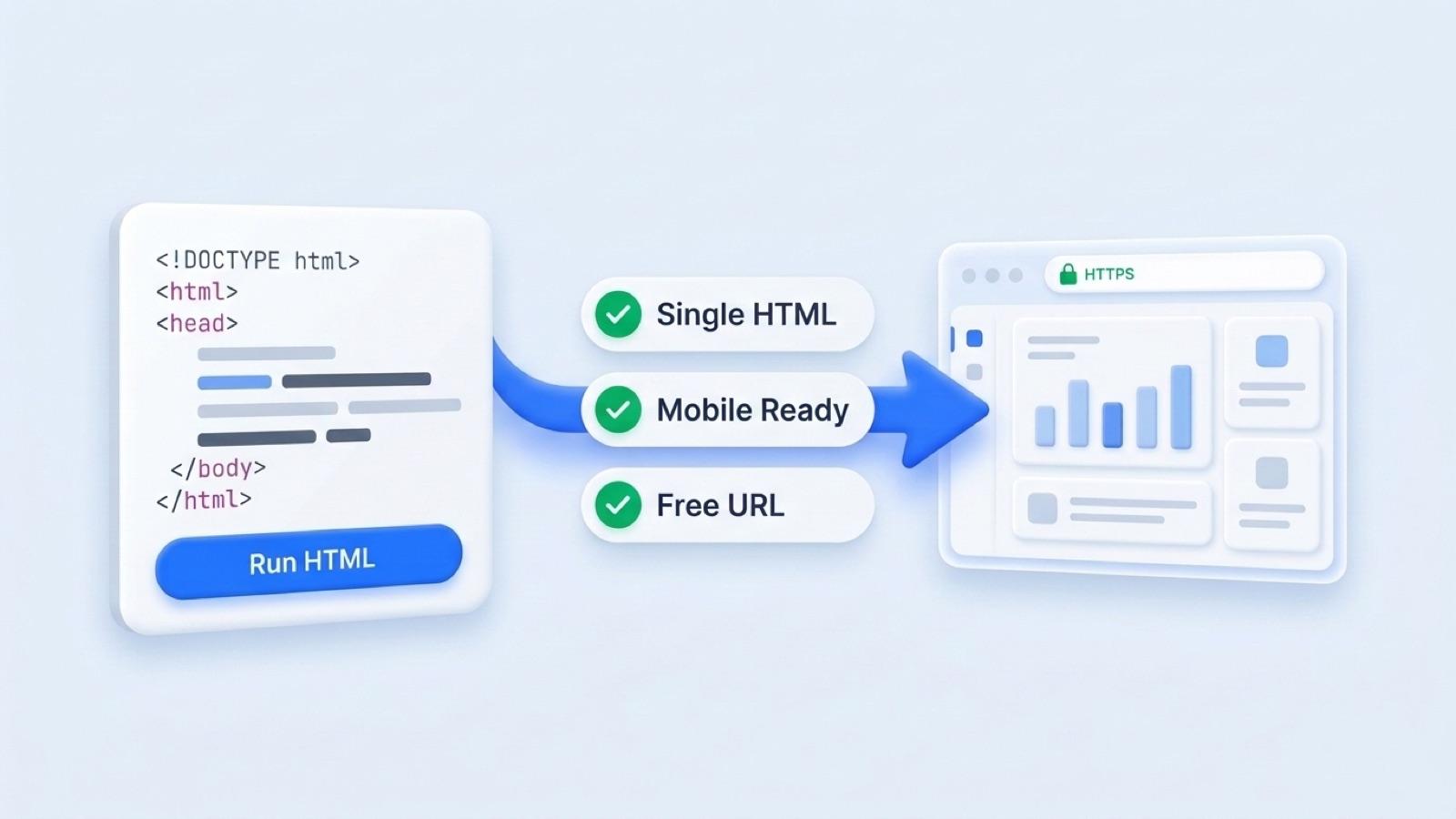
Copy the complete <!DOCTYPE html> block from DeepSeek and paste it into GeminiLaunch. DeepSeek's Run HTML button renders a local sandbox inside your browser tab—it never creates a public web address. To make the page shareable, copy the full HTML code (making sure DeepSeek did not truncate the closing </html> tag), paste it into GeminiLaunch, and click Publish. You get a free live HTTPS link in seconds (up to 3 sites, 5 MB each), and can connect your own domain on Lite ($5/mo).
GeminiLaunch (paste HTML or upload index.html)
Best for mostStatic HTML/CSS/JS/React UI only (no server database)
Under 2 minutes · no GitHub or CLI · Lite ($5/mo) · auto SSL
DeepSeek Run HTML preview
Private to your chat session; cannot be indexed or shared as a real website
Built into chat · Not supported
GitHub Pages
Requires a GitHub account, public repo on free tier, and commit workflow
10–15 minutes · repo + Git setup · Free with manual DNS setup
Netlify Drop / Cloudflare Pages
Must save index.html into a local folder first; more developer dashboard chrome
5–10 minutes · zip folder upload · Free with manual DNS setup
Step-by-step
5 steps to a live HTTPS site
Ask DeepSeek for one self-contained index.html
Confirm your code starts with <!DOCTYPE html>, includes <meta name="viewport">, and ends cleanly with </html> so CSS and JavaScript work outside the chat preview.
If DeepSeek stopped mid-output on a long page, ask it to rewrite the file cleanly in one artifact or split external CDN scripts instead of huge inline base64 images.
Copy the full HTML block using the code-block Copy button
Use the Copy icon in the top-right corner of DeepSeek's code block rather than highlighting by hand so you do not miss the top DOCTYPE or closing script tags.
Double-check that any image URLs use real hosted HTTPS links or inline SVGs rather than placeholder paths like /images/hero.png that do not exist.
Test mobile layout and interactive buttons first
Paste the HTML into GeminiLaunch's free HTML Previewer or open your saved index.html locally to verify navigation menus, forms, and mobile widths.
External API calls with hardcoded keys will fail or leak secrets in a public browser—keep forms wired to static endpoints like Formspree or mailto.
Paste into GeminiLaunch and publish free
Sign in to GeminiLaunch, choose Paste HTML (or upload your index.html / ZIP folder), pick a clean subdomain name, and click Publish for an instant HTTPS URL.
The Free plan covers up to 3 live sites (5 MB each) with automatic HTTPS and zero Git setup.
Connect a custom domain when ready
Upgrade to Lite ($5/mo) to connect your own domain, remove the badge, and edit your HTML anytime without changing the link.
Run the free AI Website Readiness Checker before sharing to confirm title, meta description, and Open Graph preview tags.
Copy-paste
Cleanup prompts before export
Use these follow-up prompts inside DeepSeek Chat to make your generated page production-ready before publishing.
Make DeepSeek output a complete, non-truncated index.html
Rewrite this website as one complete, self-contained index.html file starting with <!DOCTYPE html> and ending with </html>. Include responsive mobile styling, a <title>, meta description, viewport meta tag, and replace any broken local image paths with crisp inline SVGs.
Fix missing interactive scripts or CDN links
Audit my index.html so every button, mobile menu toggle, and calculator works cleanly in a standalone browser with zero console errors and no external build step. Keep all JavaScript inside a single <script> tag at the bottom of <body>.
Avoid these
Common deployment mistakes
Publishing a truncated DeepSeek response
Long DeepSeek generations sometimes hit token limits right before </script> or </html>, leaving buttons dead. Always scroll to the last line and confirm </html> is present.
Broken relative image paths like ./photo.jpg
DeepSeek occasionally invents filenames that look real in code but return 404 once hosted. Swap invented filenames for inline SVGs or upload a ZIP folder containing those real images.
Assuming the chat share link is a website
A DeepSeek chat share link opens a conversation transcript, not an indexable webpage—clients see prompts and model chrome instead of your brand.
Related guide
Free live HTML previewer
Test DeepSeek HTML privately on desktop and mobile viewports before publishing.
Read moreRelated guide
Single-file AI index.html to custom domain
SEO head tags, DNS setup, and SSL checklist for your own domain.
Read moreRelated guide
Host an HTML file online free
Fastest ways to put any local HTML file on a public HTTPS link.
Read moreFAQ
Frequently asked questions
Can DeepSeek host a website directly?
No. DeepSeek's Run HTML button only previews code inside your chat interface. To get a live public link anyone can visit, paste the HTML into a static host like GeminiLaunch.
How much does it cost to host a DeepSeek HTML page on GeminiLaunch?
Publishing on a GeminiLaunch HTTPS subdomain is free for up to 3 sites (5 MB each). Custom domains, inline editing, and badge removal start on Lite at $5/mo.
What if DeepSeek gave me separate HTML, CSS, and JS files?
Place index.html, styles.css, and script.js into one folder with index.html at the root, zip the folder, and upload the ZIP directly to GeminiLaunch—or ask DeepSeek to combine them into one index.html.
Will a DeepSeek Tailwind CDN page work when published?
Yes. If DeepSeek included the Tailwind Play CDN script in <head>, it renders immediately when published. For faster mobile load times, you can also ask DeepSeek to emit plain inline CSS in a <style> tag.
Can Google index a DeepSeek-generated HTML website?
Yes, once hosted on a real public URL with clean <title>, <meta name="description">, and semantic headings. Chat sandboxes are not indexed by search engines.
What if DeepSeek generated React JSX instead of plain HTML?
GeminiLaunch also compiles single-file React (.jsx/.tsx) components directly in the browser, or you can ask DeepSeek to convert the component into standalone HTML + vanilla JS.
Like this guide? Make GeminiLaunch a preferred source.
Get our hosting and deployment guides surfaced first in your Google results, AI Overviews, and Top Stories.
Take your DeepSeek HTML out of chat preview and onto the live web
Copy your complete index.html from DeepSeek, publish free on HTTPS in under 2 minutes, and attach a custom domain whenever you are ready.