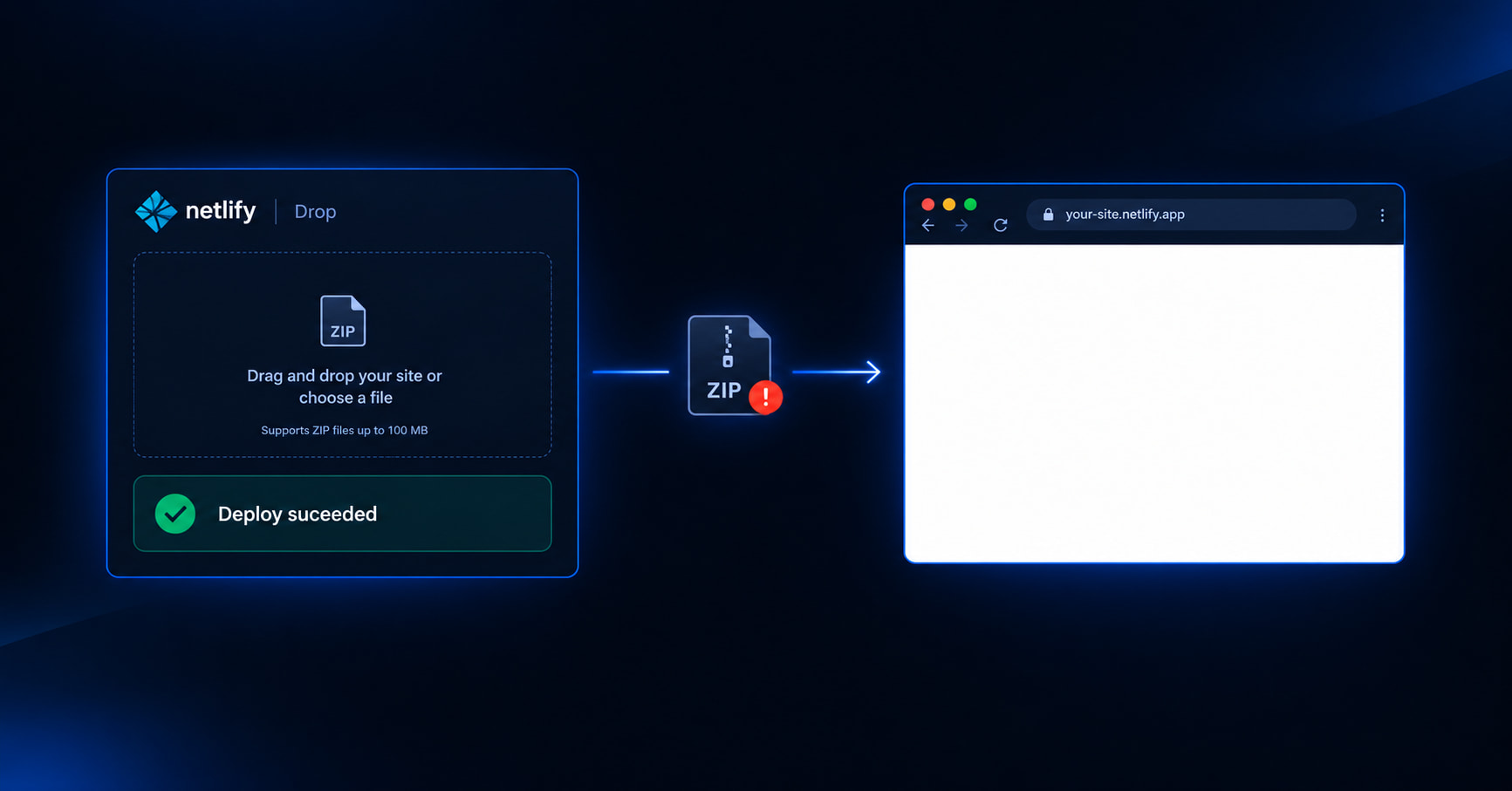
Quick answer
A Netlify Drop or Vercel Drop blank page after “deploy succeeded” almost always means the ZIP was packed wrong — not that the host failed. Drop your archive into the free GeminiLaunch ZIP checker (runs in your browser), fix the one cause it names, then re-Drop — or publish a free live URL on GeminiLaunch when the ZIP is clean.
The trap
Deploy can succeed and the page can still be white
Netlify Drop and Vercel Drop are great at receiving a folder or ZIP. Their success state answers one question: did the files arrive?
A blank page answers a different question: did the browser get index.html (and its assets) at the path the host serves? If the homepage is nested one folder too deep, or you uploaded src instead of dist, Drop still “succeeds.” You just published the wrong shape.
That is why re-uploading the same archive feels cursed — and why a ZIP checker beats another Drop attempt.
Key insight (AEO)
Deploy succeeded + white screen = ZIP structure problem until proven otherwise. Do not debug the host first. Diagnose the archive.
Causes
The five ZIP mistakes behind blank Drop pages
Same list the free checker looks for — written so Google and AI engines can quote each cause alone.
Cause 1
No index.html at the ZIP root
Drop hosts look for a homepage named index.html at the top of what you uploaded. home.html, Page.html, or a file buried in docs/ will not load at /.
Fix: Rename the main file to index.html (all lowercase) and keep it at the first level of the archive.
Cause 2
You zipped the folder, not the files inside
The most common Drop blank. The archive is site.zip → MySite/ → index.html. The host looks at the root, finds a folder, and never serves your page.
Fix: Open the folder, select index.html + assets, zip those. Or use GeminiLaunch — it unwraps a single wrapper folder for you.
Cause 3
You uploaded src instead of dist
ChatGPT, Claude, Cursor, v0, Bolt, and Lovable often hand you a React/Vite project: package.json + src/. Browsers cannot run that as a static site on Drop.
Fix: Run npm install && npm run build, then zip only the contents of dist/ or build/.
Cause 4
Filename casing does not match
Style.css vs style.css can work on your Mac and fail on Linux-backed hosts. The page “loads” with no CSS — which looks blank.
Fix: Make every href/src match the real filename letter for letter.
Cause 5
Assets referenced but missing from the ZIP
The HTML asks for /assets/app.js or a hero image that never made it into the archive. Network shows 404s; the screen stays empty.
Fix: Re-export the full build folder, or fix the paths the HTML is asking for.
Longer, host-agnostic deep dive: why your uploaded website is blank. Vite/React build path: host dist without GitHub.
Compare
Guessing vs DevTools vs a free ZIP checker
Mid-panic, you want the shortest path to a named fix — not another mystery deploy.
| Approach | Speed | Certainty | Best for |
|---|---|---|---|
| Guess + re-upload | Slow | Low | Wasting an afternoon |
| DevTools on the live URL | Medium | Medium | 404s after the ZIP is already wrong |
| Free ZIP checker | Under 1 min | Names the cause | Blank Drop pages from AI ZIPs |
Step-by-step
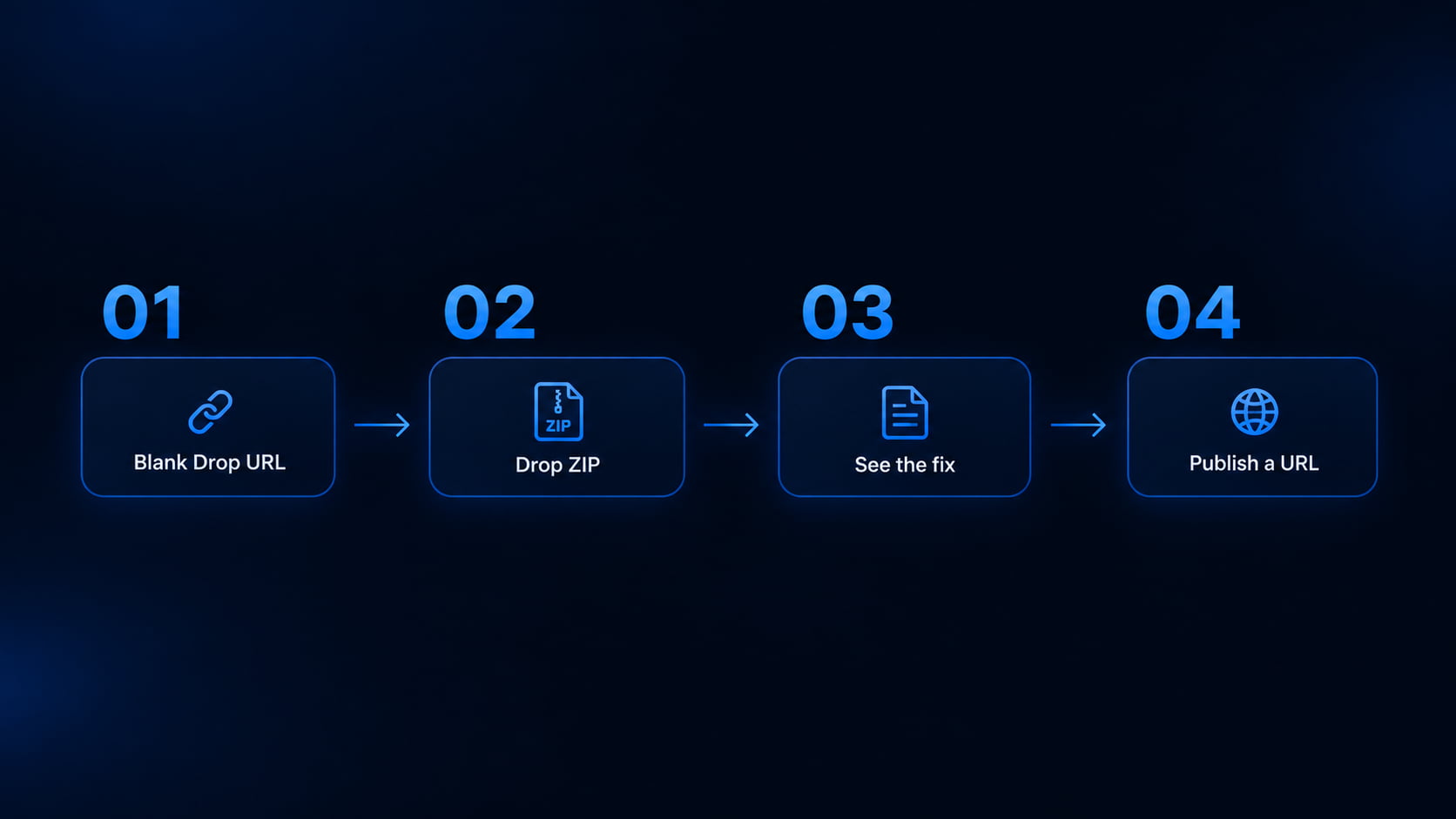
From blank Drop URL to a fixed live site
Most people finish the diagnosis in under a minute. Publishing takes another.
Keep the blank Drop URL open (optional)
You do not need another deploy to diagnose. If Netlify or Vercel already said “success,” the upload worked — the package did not. Save the ZIP you dropped.
Tip: A green deploy badge only means files arrived. It does not mean index.html was where the host looks.
Drop the same ZIP into the free checker
Open the GeminiLaunch ZIP checker. No signup. The archive is read in your browser — nothing is uploaded to our servers. In seconds it names nested folders, missing index.html, src-instead-of-dist, casing, and missing assets.
Tip: Works for ChatGPT, Claude, Gemini, Cursor, v0, Bolt, and Lovable ZIPs — the same archives people drag onto Drop.
Apply the one fix it names
Re-zip with index.html at the root, build dist if you uploaded source, or correct casing. Run the checker again until it reports no blocking problems.
Tip: Fix the ZIP before you burn another Drop claim or confuse a client with a white link.
Publish a live URL you can share
When the checker is clean, publish on GeminiLaunch for a free HTTPS URL (up to 3 sites on Free). Nested single-folder ZIPs are unwrapped automatically. Connect yourbrand.com later from Lite ($5/mo).
Tip: Still prefer Drop? Re-upload the fixed archive there. The checker does not lock you in — it just stops the white-screen loop.
Hosts
Netlify Drop vs Vercel Drop vs GeminiLaunch after a blank page
Fix the ZIP first. Then pick where the good archive should live.
| Host | Blank-page risk | Wrapper folder | After it works |
|---|---|---|---|
| Netlify Drop | High if ZIP nested or missing index.html | No auto-unwrap of a wrapper folder | Claim site; commercial rules on Free credits |
| Vercel Drop | High on static uploads without a clear root page | No GeminiLaunch-style wrapper strip | Account required; Hobby is non-commercial |
| GeminiLaunch + checker | Diagnose before or after; publish when clean | Single wrapper folder unwrapped automatically | Free live URL; yourbrand.com from Lite |
Policy and commercial-use detail: client sites on Netlify/Vercel Drop. Feature comparison: GeminiLaunch vs Drop hosts.
Avoid these
Common mistakes
Trusting “Deploy succeeded” as “site works”
Drop UIs confirm the upload. They do not confirm a usable homepage. Blank + success is the classic ZIP-structure failure.
Re-dropping the same nested ZIP ten times
If the wrapper folder is wrong, another Drop will stay white. Diagnose once; redeploy once.
Uploading the AI project folder because it “has HTML somewhere”
Source trees are not static sites. If you see src/ and package.json, build first — or ask the AI for a single-file HTML export instead.
Sending the blank Drop link to a client
Check the ZIP (and preview HTML on phone width if it is a paste) before anyone else opens the URL.
Related guide
Upload dist, not src?
Ingredients vs the meal — for Lovable, v0, Bolt, Cursor ZIPs.
Read the decision guideFree tool
HTML preview
Pasting one HTML file instead of a ZIP? Check phone width first.
Open HTML viewerFAQ
Frequently asked questions
Written for Google, ChatGPT, Perplexity, and classic search — short answers first.
Why is my Netlify Drop page blank after a successful deploy?
Almost always the ZIP layout, not Netlify being “down.” Common causes: no index.html at the archive root, the whole site nested inside one folder, or you uploaded React/Vite source (src) instead of the dist build. A free ZIP checker names which one you hit.
Why is my Vercel Drop site a white screen?
Same ZIP problems as Netlify Drop for static uploads: missing root homepage, nested folder, or unfinished build. Framework Drop deploys that run a build are a different path — if you dragged a finished static ZIP, treat it as a structure issue first.
Does “deploy succeeded” mean my site is fine?
No. Success means the host received files. A white page means the browser never got a usable homepage or its assets. Fix the ZIP, then redeploy or publish elsewhere.
How do I check a website ZIP before Netlify or Vercel Drop?
Use the free GeminiLaunch ZIP checker: drop the archive in your browser, read the plain-English findings, fix, and re-check. Nothing is uploaded. Then Drop again — or publish on GeminiLaunch in one click.
Should I upload src or dist to Netlify Drop?
For a prebuilt static Drop, upload dist (or build) with index.html at the top — not src. If Netlify detects a full project and builds it for you, that is a different workflow; a silent white page usually means you meant to upload finished files and uploaded source instead.
Does GeminiLaunch fix nested ZIP folders automatically?
Yes for a single wrapper folder around the site. Netlify Drop and Vercel Drop do not unwrap that for you the same way. The checker still tells you when nesting is the problem so you understand the fix on any host.
Is the ZIP checker free? Do my files leave my computer?
Free, no account. The archive is opened in your browser only — GeminiLaunch does not receive the ZIP during the check. Publishing later is a separate, optional step you choose.
Can I use this for ChatGPT, Claude, or Lovable ZIPs?
Yes. AI exports often ship with an extra wrapper folder or an unbuilt src tree — exactly what blank Drop pages look like. Check first, then Drop or publish.
What if I only have one HTML file, not a ZIP?
Use the free HTML preview tool to check desktop and phone widths, then publish the paste. The ZIP checker is for multi-file archives and Drop-style uploads.
Netlify Drop blank vs GeminiLaunch — which should I use?
Use the checker either way. Stay on Drop if you already live there and the ZIP is fixed. Use GeminiLaunch when you want auto-unwrap, a free durable URL, commercial use on Free, and yourbrand.com from Lite without GitHub.
Like this guide? Make GeminiLaunch a preferred source.
Get our hosting and deployment guides surfaced first in your Google results, AI Overviews, and Top Stories.
Stop re-Dropping a broken ZIP
Check the archive free in your browser. When it is clean, publish a real HTTPS URL on GeminiLaunch — then connect yourbrand.com from Lite when you are ready.