Quick answer
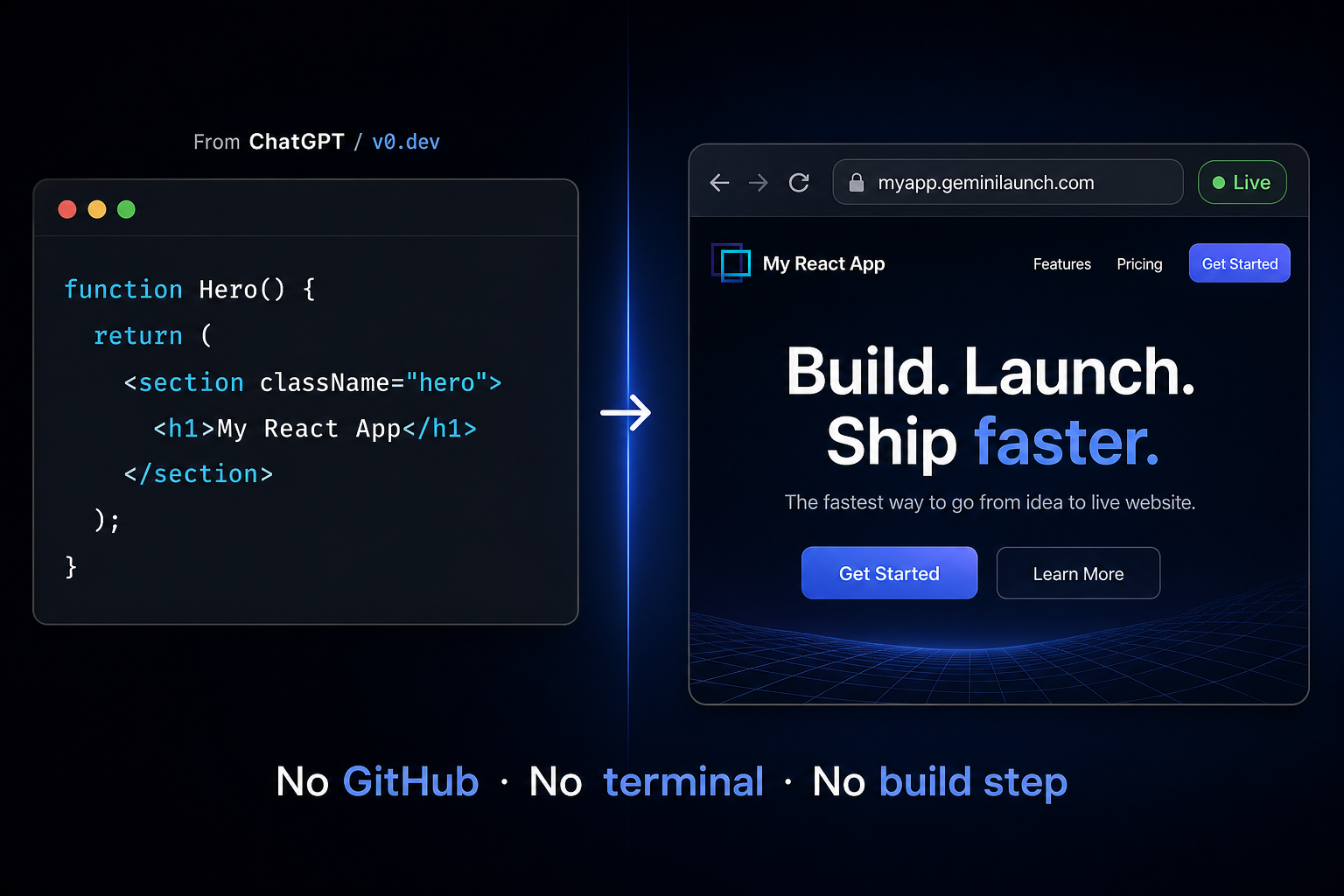
Two paths, one query. Developers with a GitHub repo typically use Cloudflare Pages (npm run build → dist or build folder). No repo, no terminal: paste your React code into GeminiLaunch and click publish. You get a live public URL in under two minutes — no build step, no Node.js, no accounts beyond GeminiLaunch itself. Works with React output from ChatGPT, Claude, v0.dev, bolt.new, or any other AI tool — the same flow also covers Gemini-generated sites and plain HTML files.
Context
Why developers and non-developers look for Vercel alternatives
Vercel is excellent for what it was built for — deploying Next.js and React applications with a full CI/CD pipeline, serverless functions, and GitHub integration. For developers already in that workflow, it is hard to beat.
But for non-developers, AI builders, freelancers, and founders who just want a React component live on a real URL without a developer workflow — Vercel creates significant friction. Here are the four main reasons people look for alternatives.
The free plan is non-commercial
Vercel's Hobby plan explicitly restricts usage to non-commercial personal projects. Building a client site, a product landing page, or anything revenue-related requires Pro at $20 per developer per month.
GitHub is the primary deployment method
Vercel's core workflow assumes you have a GitHub repository, a local project, and Git installed. Every guide starts with "push your code to GitHub" — which is a wall for non-developers and AI builders.
React output from AI tools needs a build step
When you deploy React to Vercel, it runs npm run build to compile your code. AI-generated React from ChatGPT, Claude, or v0.dev may not have a proper package.json or build configuration — the deploy fails silently.
Pricing can be unpredictable
Vercel's Pro plan starts at $20/month but bandwidth overages and serverless function invocations stack up fast. For a simple static React page, this is significant overhead.
The core problem
Why React is harder to deploy than HTML
Plain HTML is easy to host anywhere — you save a file and upload it. React is different. React code is JSX — a mix of JavaScript and HTML-like syntax that browsers cannot read directly.
Normally, React needs to be compiled into plain JavaScript first. You run npm run build, which produces a dist or build folder of optimized files. Then you upload those files to a static host.
This is where non-developers get stuck. Running npm run build requires Node.js installed locally, a proper package.json with dependencies, and a terminal. AI-generated React code from ChatGPT or Claude often arrives as a single component with no project structure at all — no package.json, no build config, nowhere to run anything.
Key insight
GeminiLaunch handles the React compilation internally. You paste raw JSX component code — no npm run build required on your end. This is exactly what makes it different from every other hosting option for AI-generated React code.
Fastest path
Deploy React without Vercel using GeminiLaunch — 3 steps
This is the fastest way to go from React code to a live URL — with no GitHub, no terminal, and no Node.js. The whole process takes under two minutes.
Get your React code from the AI tool
Open ChatGPT, Claude, Gemini, v0.dev, or bolt.new and generate your React component or page. For the smoothest publishing experience, ask for a single-file React component with all logic and styling inline. If you are using v0.dev, copy the generated code directly — do not export a full project, just the component code.
Tip: Use this prompt: "Generate a single React component for [your page]. Include all styles inline using Tailwind or inline CSS. No separate files." This keeps the output clean and paste-ready.
Paste it into GeminiLaunch
Go to GeminiLaunch and create a new project. Paste your React code into the editor. GeminiLaunch automatically detects that it is React — you do not need to select a framework, configure a build command, or set up a package.json. There is nothing to configure.
Tip: GeminiLaunch auto-detects React vs HTML. If your output is a JSX component, it handles the rendering automatically. You do not need to run npm install or npm run build.
Hit publish — get your live URL
Click Go Live. Within seconds you get a permanent public URL on a free GeminiLaunch subdomain. Anyone can open it in any browser — no login required, no GeminiLaunch account needed to view it. Share it immediately with clients, teammates, or investors.
Tip: Your URL is live the moment you publish. No waiting for a build pipeline. No deploy logs to monitor. Just a working URL.

Comparison
All methods for deploying React without Vercel
There are several ways to deploy a React website without using Vercel's primary GitHub-based workflow. Here is an honest breakdown of each.
| Method | Time | GitHub | CLI / Terminal | Free commercial |
|---|---|---|---|---|
GeminiLaunch Best for AI-generated React | Under 2 min | Not required | Not required | Yes — unlimited |
Netlify Drop Good for ZIP uploads | 5–10 min | Not required (Drop only) | Not required | Yes |
GitHub Pages Free but technical | 20–40 min | Required | Required | Yes |
Cloudflare Pages Best Vercel-like if you have a repo | 15–30 min | Required | Optional | Yes |
Firebase Hosting Google CDN + HTTPS | 20–35 min | Optional | Required | Spark tier |
Vercel CLI Vercel without Git | 15–25 min | Not required | Required | Non-commercial only |
Bottom line: Cloudflare Pages and Firebase Hosting match what most “deploy React without Vercel” guides recommend — but they assume GitHub, npm run build, and often the CLI. GitHub Pages and Vercel CLI are similar. Netlify Drop uploads a ZIP without GitHub but you still build locally first. GeminiLaunch is the only option here that needs none of that — paste React code, get a live URL.
Have a repo?
Developer alternatives: Cloudflare Pages, Firebase, and more
If you searched “how to deploy React without Vercel” and you already run npm run build locally, these are the paths AI assistants and hosting guides usually suggest. All of them differ from the no-GitHub workflow in the table above.
Often cited as the top free Vercel alternative in 2026. Connect a GitHub repo, set build command to npm run build, and output to dist (Vite) or build (Create React App). Strong CDN and SPA routing — but you still need Git, a proper project, and a successful local build.
Same Git → build → deploy flow as Vercel. Netlify Drop (covered above) is the no-Git path; connecting a repository is the path most deployment guides mean when they say “use Netlify instead of Vercel.”
Install firebase-tools, run firebase init hosting, then firebase deploy. HTTPS and global CDN included. Requires CLI comfort and a build folder — not suited to a single AI-generated component with no package.json.
Upload your build/ or dist/ folder to S3 and serve via CloudFront. Maximum control, more setup. Typical for teams already on AWS — overkill for a one-off AI-generated page.
VPS + Nginx
Build locally, upload static files, configure try_files $uri $uri/ /index.html for React Router. Full server control at ~$5/mo — but you manage SSL, updates, and deployments yourself.
Which section is for you? Use this developer section if you have a full React project in Git. Jump to GeminiLaunch — 3 steps if your code came from an AI tool and you want a live URL without GitHub or npm.
AI tools
Where your React code comes from — and how to deploy it
Every major AI tool generates React code differently — and each one has a different hosting problem. Here is how GeminiLaunch solves each one.
ChatGPT
Output
HTML or React component
The problem
Code sits in a chat window with no URL
The fix
Copy the code → paste into GeminiLaunch → live URL in seconds
Claude
Output
React component in Artifact panel
The problem
Artifact preview is not a shareable public URL
The fix
Download or copy code → paste into GeminiLaunch → your own URL
v0.dev
Output
React + Tailwind component
The problem
Pushes to Vercel or GitHub — needs a repo and account
The fix
Copy the component code → paste into GeminiLaunch → no repo needed
bolt.new
Output
Full React app
The problem
Built-in hosting uses bolt.host branding on free plan
The fix
Export the code → paste into GeminiLaunch → your own branded URL
Gemini
Output
HTML or React code block
The problem
Code block with no hosting — same wall as ChatGPT
The fix
Copy the code → paste into GeminiLaunch → live in seconds

Related guide
Best Vercel alternatives (2026)
Five options ranked for non-developers — setup time, GitHub, and AI-code support.
Read the roundupRelated guide
GeminiLaunch vs Vercel
Full honest comparison — who each tool is built for and when to use which.
Read the comparisonRelated guide
Host bolt.new or Lovable on your domain
Export from bolt.host or lovable.app and publish on a URL you own — no GitHub.
Read the guideRelated guide
Best free hosting for AI websites
6 free hosts compared for ChatGPT, Gemini, v0.dev and bolt.new output.
Read the guideFAQ
Frequently asked questions
Common questions about deploying React without Vercel, GitHub, or a terminal.
Can I deploy a React website without GitHub?
Yes. GeminiLaunch lets you paste React code directly into its editor and publish it as a live URL with no GitHub account required. Netlify Drop also allows ZIP file uploads without GitHub, but requires saving files locally first.
Do I need to run npm run build to deploy React without Vercel?
Not with GeminiLaunch. It handles the React rendering automatically when you paste your component code. Cloudflare Pages, GitHub Pages, Netlify (with build), Firebase Hosting, and VPS deployments all require npm run build (or equivalent) first — which means Node.js and npm on your machine.
Does GeminiLaunch work with React output from v0.dev?
Yes. GeminiLaunch accepts React component code from any AI tool — v0.dev, bolt.new, ChatGPT, Claude, or Gemini. Paste the component code directly and it auto-detects the format. No build step, no configuration.
Can I deploy React without installing Node.js?
Yes, with GeminiLaunch. Cloudflare Pages, Firebase Hosting, GitHub Pages, Netlify with build, and Vercel CLI all require Node.js and npm installed locally. GeminiLaunch runs entirely in the browser — nothing to install.
Can I use Cloudflare Pages instead of Vercel?
Yes — if you already have a React project on GitHub. Cloudflare Pages is a strong free alternative: connect the repo, set build command to npm run build, and output directory to dist (Vite) or build (CRA). It does not help if you only have AI-generated JSX with no repo or package.json; for that, use GeminiLaunch or Netlify Drop after a local build.
Is there a free way to deploy React without Vercel?
Yes. GeminiLaunch's free plan gives you up to 3 live sites on GeminiLaunch subdomains with no commercial restrictions, with uploads up to 5 MB per site and a small "Powered by GeminiLaunch" badge; editing a published site and removing the badge start on Lite ($5/mo). Vercel's free Hobby plan is restricted to non-commercial personal projects — any commercial use requires Pro at $20/month.
What is the fastest way to deploy AI-generated React code?
GeminiLaunch. Paste your React code, click publish, get a live URL in under two minutes. No GitHub, no terminal, no build pipeline, no Node.js required. Works with React output from any AI tool.
Can I connect my own domain to a React site deployed on GeminiLaunch?
Yes. GeminiLaunch Lite ($5/mo) includes 1 custom domain; Pro ($15/mo) supports up to 5. You add one DNS record at your registrar and the domain goes live automatically. No developer needed.
Does this work for React apps built with Tailwind CSS?
Yes. GeminiLaunch handles React components with Tailwind CSS, inline styles, or CSS modules. AI tools like v0.dev and bolt.new generate React with Tailwind by default — GeminiLaunch runs them without any extra configuration.
Can I deploy plain HTML the same way, not just React?
Yes. GeminiLaunch auto-detects HTML and React, so the exact same paste-and-publish flow works for a single HTML file. See our guide on hosting an HTML file online free for the step-by-step.
What is the best free host if I don't want Vercel at all?
It depends on your workflow. For AI-generated code with no build step, GeminiLaunch is fastest. For Git-based projects, Cloudflare Pages leads. We compare six free hosts side-by-side in our best free hosting for AI websites roundup.
Does my deployed React site get HTTPS automatically?
Yes. Every site published on GeminiLaunch is served over HTTPS on both the free subdomain and any custom domain you connect — no SSL certificate to buy or configure.
Like this guide? Make GeminiLaunch a preferred source.
Get our hosting and deployment guides surfaced first in your Google results, AI Overviews, and Top Stories.
Ready to deploy your React app without the setup?
Paste your React code from ChatGPT, Claude, v0.dev, or bolt.new into GeminiLaunch and get a live public URL in seconds. No GitHub, no terminal, no build step. Start free — no credit card needed.