Start here
Choose your path
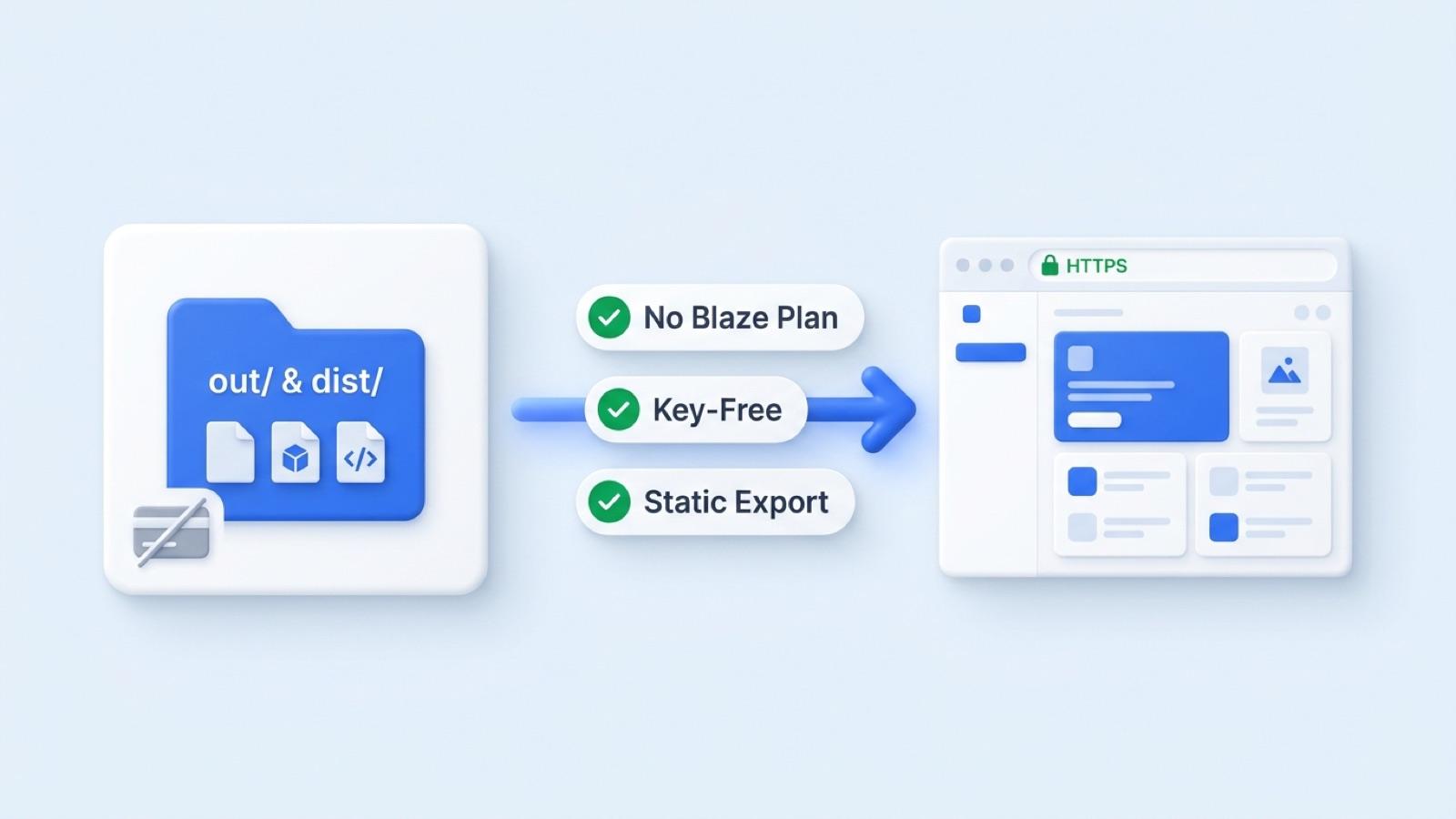
Skip Firebase App Hosting when your site is frontend-only—export the static build (`dist/` or `out/`) and upload it free. Firebase Studio's Publish button targets Firebase App Hosting, which runs server containers on Cloud Run and requires a Blaze billing account. If your site does not run server-side Genkit flows or private API keys, export a static build (npm run build for Vite, or output: 'export' for Next.js) and upload the generated dist/ or out/ folder to GeminiLaunch for free HTTPS hosting (up to 3 sites, 5 MB each; custom domains from Lite at $5/mo).
Export static build → GeminiLaunch
Best for mostFrontend/static apps only; server-side Genkit/Gemini keys must stay on a backend
2–4 minutes · no credit card or CLI · Lite ($5/mo) · auto SSL
Firebase App Hosting (Studio Publish button)
Required for server-side Next.js SSR, Genkit flows, and private API keys
5–10 minutes · requires Blaze billing · Included with Blaze project
Firebase Hosting CLI (Spark free tier)
Requires local CLI login, firebase.json config, and manual deploy commands
10–15 minutes · Node + firebase-tools CLI · Free with manual DNS
Using Google AI Studio instead of Firebase Studio? We have a dedicated guide for AI Studio's Cloud Run billing prompt and API-key check: Google AI Studio Deploy asks for Cloud Run billing
Step-by-step
5 steps to a live HTTPS site
Verify your app does not rely on server-side AI keys or databases
Check src/ai/ or app/api/ in Firebase Studio. If your site only renders UI, calculators, portfolios, or client-side tools (without live server-side Gemini/Genkit calls), it is safe to export statically.
Never move a private GEMINI_API_KEY into NEXT_PUBLIC_ or VITE_ variables—if your app calls Gemini live for visitors, keep a real backend.
Configure static export (for Next.js) or run Vite build
Firebase Studio's default App Prototyping template often uses Next.js. For static sites, add output: 'export' and images: { unoptimized: true } in next.config.* (or run npm run build directly in Vite templates).
Remove unused /api routes or server actions before running next build with output: 'export'.
Run the production build in Firebase Studio's terminal
Execute npm run build in the integrated terminal and confirm a clean out/ (Next.js static export) or dist/ (Vite/React) folder is created with index.html inside.
Scan the compiled folder to confirm no API keys (AIza...) were bundled into client JS.
Download the out/ or dist/ folder from Firebase Studio
Right-click the out/ or dist/ directory in Firebase Studio's file explorer and download it (or zip it via terminal: zip -r site.zip out/ from inside out/ so index.html sits at root).
Check your archive with GeminiLaunch's free ZIP Checker to guarantee index.html is at the top level.
Upload to GeminiLaunch and publish on HTTPS
Upload the folder or ZIP to GeminiLaunch to get an instant free HTTPS URL (up to 3 sites, 5 MB each; 15 MB and custom domains from Lite at $5/mo) with zero billing card required.
Keep Firebase Studio open for future AI edits—just rebuild and re-upload whenever you ship a new version.
Copy-paste
Cleanup prompts before export
Ask Gemini inside Firebase Studio to convert a frontend prototype cleanly for static export.
Convert a Firebase Studio Next.js prototype to static export
Audit this project so it builds cleanly as a static website with `output: 'export'` and `images: { unoptimized: true }` in next.config. Flag any server actions, API routes, or Genkit server calls that need to be removed or replaced with client-side logic, then run npm run build to generate the out/ folder.
Check Firebase Studio build for leaked client API keys
Search the repository and build output for any hardcoded Google/Gemini API keys (AIza), Firebase Admin credentials, or private environment variables exposed via NEXT_PUBLIC_ or VITE_, and report whether the static export is safe to host publicly.
Avoid these
Common deployment mistakes
Assuming every Firebase Studio prototype needs Blaze billing
Firebase Studio scaffolds Next.js + Genkit by default even for simple marketing sites or calculators. Static UI pages do not need Cloud Run containers.
Exposing a Gemini API key in client-side code to bypass the backend
Moving GEMINI_API_KEY into NEXT_PUBLIC_GEMINI_API_KEY lets anyone steal your key from DevTools. Only host statically when no secret API key is needed in the browser.
Forgetting images: { unoptimized: true } on Next.js static exports
Next.js Image Optimization requires a running Node server by default; enabling unoptimized: true lets next/image export cleanly into out/.
Related guide
Google AI Studio Deploy asks for Cloud Run billing?
Same zero-billing static decision guide tailored for Google AI Studio ZIP exports.
Read moreRelated guide
Turn a Google AI Studio project into a website
Step-by-step build and static upload walkthrough without GitHub.
Read moreRelated guide
Free website ZIP structure checker
Confirm your exported out/ or dist/ archive is ready before uploading.
Read moreFAQ
Frequently asked questions
Why does Firebase Studio ask for Blaze billing when I click Publish?
Firebase Studio's Publish button deploys to Firebase App Hosting (backed by Cloud Run and Cloud Build), which Google requires to be on the Blaze pay-as-you-go billing tier.
Can I host a Firebase Studio project without a credit card?
Yes, if your app is static HTML, CSS, JS, Vite/React, or a Next.js static export without server-side secrets. Export the built dist/ or out/ folder and upload it free to GeminiLaunch.
When SHOULD I stay on Firebase App Hosting with Blaze?
Stay on Firebase App Hosting if your app calls Genkit/Gemini server-side per visitor, relies on server-side authentication cookies, or runs dynamic API routes that cannot execute in the browser.
Does GeminiLaunch support Firebase client SDKs like Firestore?
Yes—static sites hosted on GeminiLaunch can talk to browser-safe Firebase services (like Auth or Firestore protected by strict Firebase Security Rules), since those run directly from client JS.
How big can my exported Firebase Studio static folder be?
GeminiLaunch supports 5 MB per site on Free (up to 3 sites), 15 MB on Lite ($5/mo), and 45 MB on Pro ($15/mo) and Scale.
Can I attach a custom domain without configuring Firebase DNS?
Yes. On GeminiLaunch Lite ($5/mo), add one custom domain with guided A/CNAME DNS records and automatic HTTPS/SSL.
Like this guide? Make GeminiLaunch a preferred source.
Get our hosting and deployment guides surfaced first in your Google results, AI Overviews, and Top Stories.
Launch your Firebase Studio frontend free—no Blaze card needed
Export your static out/ or dist/ folder, publish free over HTTPS in minutes, and save Cloud Run for apps that truly need a server.