Start here
Choose your path
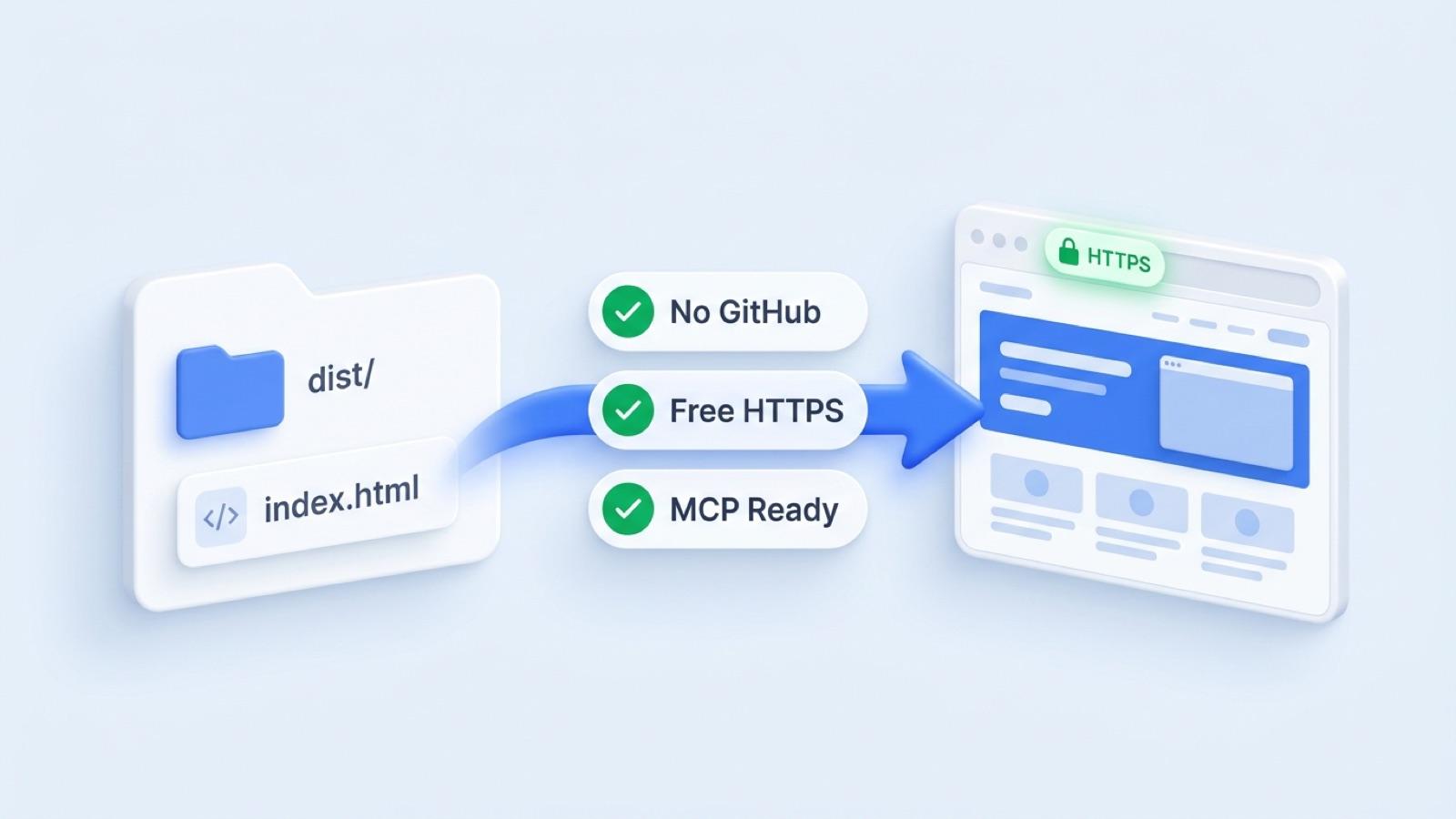
Upload your plain HTML folder directly—or run `npm run build` and upload `dist/` for React/Vite. If Cascade created plain index.html, CSS, and JS files, drag that folder straight into GeminiLaunch. If Cascade scaffolded a Vite/React/TypeScript app (you see package.json and src/), run npm run build in Windsurf's terminal first so Vite compiles browsers-ready files into dist/, then upload dist/. Never upload node_modules or raw src/ files.
GeminiLaunch folder / ZIP upload
Best for mostBest for static HTML/CSS/JS and compiled Vite/React dist/ sites (not Node backends)
Under 2 minutes · no GitHub or CLI · Lite ($5/mo) · auto SSL
Windsurf built-in Netlify / Deploy plugin
Ties deploys to external provider accounts and build quotas
5–10 minutes · OAuth + team config · Supported via Netlify DNS
GitHub + Vercel / Cloudflare Pages
Overkill for client previews, single-page tools, or non-Git workflows
15+ minutes · Git repo + build config · Free with manual DNS
Step-by-step
5 steps to a live HTTPS site
Check whether Cascade created plain HTML or a Vite/React app
Look at your project root in Windsurf. If you only see index.html, style.css, and script.js, you are ready to upload immediately. If you see package.json and a src/ folder, you need one build step.
Ask Cascade directly: 'Is this a static HTML site or does it need npm run build before uploading?'
Build Vite/React projects with relative or clean asset paths
For Vite/React apps, run npm run build inside Windsurf's integrated terminal and verify that a dist/ (or build/) folder appears containing index.html and an assets/ directory.
Check vite.config.ts so base is '/' or './' and verify no server-only API keys were prefixed with VITE_.
Exclude node_modules and hidden dotfiles
Only upload your compiled dist/ folder (or your clean static HTML folder). Including node_modules balloons upload size past static limits and exposes unnecessary files.
Run GeminiLaunch's free ZIP Checker first if you are unsure whether index.html sits cleanly at the root of your archive.
Upload to GeminiLaunch for a live HTTPS link
Open GeminiLaunch, drop your dist/ folder or ZIP archive, choose your subdomain, and publish. Your site goes live over HTTPS immediately (free up to 3 sites, 5 MB each).
Need larger image-heavy builds? Lite ($5/mo) supports 15 MB and Pro ($15/mo) supports 45 MB per site.
Republish updates or connect your custom domain
After iterating in Windsurf Cascade, rebuild dist/ and upload an update to the same project URL, or connect your custom domain on Lite ($5/mo) with automatic SSL.
For client-review stages, add password protection before sharing the preview link.
Copy-paste
Cleanup prompts before export
Paste these prompts directly into Windsurf Cascade before exporting your build.
Prepare a Windsurf Vite/React app for static hosting
Prepare this project for static hosting in dist/. Confirm package.json has a clean build script, ensure all internal links and images work from root '/', check that no private API keys use the VITE_ prefix, and run npm run build to verify zero TypeScript or bundle errors.
Add SEO metadata and social preview tags in Windsurf
Update index.html with a unique <title>, concise meta description, viewport meta tag, Open Graph tags, and favicon links so the published static site renders clean social previews.
Avoid these
Common deployment mistakes
Uploading the project root instead of dist/
Uploading raw .tsx source files produces a blank white page because browsers cannot execute TypeScript or JSX imports directly. Always upload the compiled dist/ folder.
Zipping the parent folder so index.html is nested one level deep
If your ZIP contains my-site/index.html instead of index.html at the root, static hosts can return 404. Zip the contents inside dist/ or upload the dist/ folder directly.
Leaving localhost API URLs in frontend fetch calls
Cascade often wires development fetches to http://localhost:3001. Replace localhost URLs with real HTTPS endpoints or static JSON data before publishing.
Related guide
Upload dist/, not src/ (why AI sites show blank)
Visual checklist showing the exact build folder structure static hosts expect.
Read moreRelated guide
Free website ZIP structure checker
Verify index.html root placement and broken asset references before upload.
Read moreRelated guide
Host a Vite React dist/ folder without GitHub
Dedicated Vite static export and SPA routing walkthrough.
Read moreFAQ
Frequently asked questions
Do I need GitHub to deploy a website built in Windsurf?
No. For static HTML or compiled React/Vite frontends, you can upload your folder or dist/ directory directly to GeminiLaunch and get a live HTTPS URL in under 2 minutes.
Why is my uploaded Windsurf site showing a blank page?
Almost always because raw Vite/React source files (src/main.tsx) were uploaded instead of the built dist/ folder, or because a ZIP nested index.html inside a subfolder.
Can I host a Next.js App Router site with server actions statically?
Only if it uses static export (output: 'export') without server-only routes or databases. Full server-rendered Next.js backends require a Node host, whereas static exports work smoothly on GeminiLaunch.
What are the file size limits for uploading a Windsurf build?
GeminiLaunch supports 5 MB per site on Free (up to 3 sites), 15 MB on Lite ($5/mo), and 45 MB on Pro ($15/mo) and Scale. Excluding node_modules keeps almost all builds well under limit.
How do I update my Windsurf site after Cascade makes edits?
Re-run npm run build (for Vite/React) and re-upload your updated folder or ZIP to the same GeminiLaunch site so your live URL and custom domain stay unchanged.
Can I connect my own domain to a Windsurf site?
Yes. Connect 1 custom domain on Lite ($5/mo) or up to 5 domains on Pro ($15/mo), with automatic HTTPS/SSL certificates included.
Like this guide? Make GeminiLaunch a preferred source.
Get our hosting and deployment guides surfaced first in your Google results, AI Overviews, and Top Stories.
Ship your Windsurf Cascade build live in minutes
Skip GitHub boilerplate for static sites and client previews—upload your Windsurf folder or dist/ build free on HTTPS and attach a custom domain when ready.