Start here
Choose your path
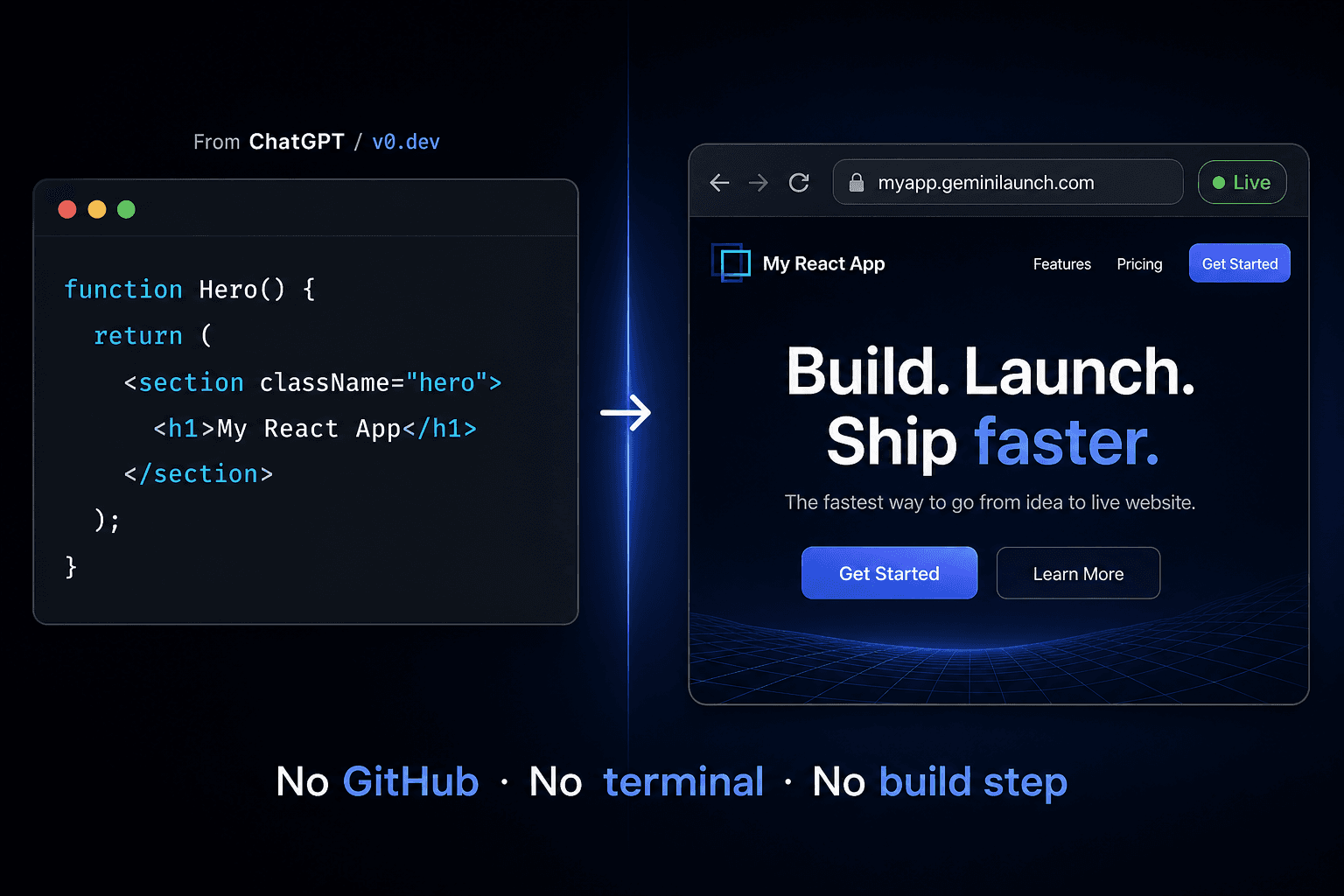
A .jsx file is blank because the browser cannot compile JSX. Paste it into GeminiLaunch to go live without npm — or convert to HTML, or run a real npm build. Do not rename .jsx to index.html. That does not transpile React. For a single AI component: paste → publish. For a multi-file app with package.json: npm run build, then upload dist/. Free HTTPS on GeminiLaunch (up to 3 sites); yourbrand.com from Lite ($5/mo).
Paste & compile (GeminiLaunch)
Best for mostBest for single-file AI React. No npm, no GitHub, no Node on your machine.
Copy .jsx → paste → Go Live · under 2 min · Free HTTPS link · yourbrand.com from Lite $5/mo
Convert to plain HTML
No JSX compile needed, but you lose React patterns and may fight CDN Babel setups.
Ask the AI to rewrite as one index.html · Works on any static host (Tiiny, ship.page, Netlify Drop…)
Full npm run build
Correct for multi-file apps. Overkill when you only have one Claude/ChatGPT component.
Vite/CRA · npm install · npm run build · upload dist/ · Any static host or Vercel/Netlify Git flow
Double-click the .jsx / rename to .html
Browsers show raw code or a blank page. Not hosting.
0 min — and it fails · No
Already have a Vite/React repo and a working dist/ folder? Host a Vite or React build without GitHub
Step-by-step
5 steps to a live HTTPS site
Confirm why the browser shows blank or raw code
Open the file in a text editor. If you see import React, export default function, or .tsx types, it is JSX — not HTML. Chrome and Safari will not execute that from a file:// URL. Renaming to .html does not compile it.
Plain HTML starts with <!DOCTYPE html>. React usually starts with import lines.
Choose Path A, B, or C for what you have
One component from Claude Artifact, ChatGPT Canvas, Gemini app.jsx, v0, or bolt → Path A (paste). Need maximum host compatibility and a simple page → Path B (ask AI for HTML). Multi-file repo with package.json → Path C (npm run build, upload dist/).
If the file imports @/components/ui/…, ask the AI to inline those components first — those paths only exist inside the chat sandbox.
Path A: paste React and publish without npm
Copy the full component from the AI Code view. Remove window.claude, window.storage, or other sandbox APIs if present. Paste into GeminiLaunch and click Go Live. Tailwind, lucide-react, and common npm imports load automatically; you get a free HTTPS URL (up to 3 sites on Free).
See the Claude Artifact React and ChatGPT Canvas guides for tool-specific copy steps.
Path B or C only when paste is the wrong fit
For Path B, prompt the AI: rewrite as one self-contained index.html with inline CSS/JS. For Path C, keep the real project, run npm run build, ZIP the dist/ folder (index.html at the root), and upload. Do not upload src/.
Blank after ZIP upload usually means you zipped src instead of dist — use the free ZIP checker.
Share the link, then add a domain if you need one
Send the free HTTPS URL first. When you want yourbrand.com, upgrade to Lite ($5/mo) for 1 custom domain with free SSL. Buy the domain at any registrar — GeminiLaunch connects it; it does not sell domain names.
Prove the temporary URL works on phone and desktop before you change DNS.
Copy-paste
Cleanup prompts before export
Use these when the file needs a small rewrite before hosting.
Prepare single-file React for paste publish
Rewrite this as one self-contained React component with a single export default. Inline any @/components/ui or relative imports. Remove window.claude, window.storage, and window.fs. Keep Tailwind classes and lucide-react imports. Do not convert to HTML unless I ask.
Fallback: convert JSX to one HTML file
Convert this React component into one self-contained index.html with inline CSS and vanilla JS (or CDN React if needed). No build step, no JSX left in the file, no local imports. Keep the same layout and behaviour.
Avoid these
Common deployment mistakes
Renaming .jsx to index.html
The extension does not transpile JSX. The browser still sees import and JSX syntax it cannot run.
Uploading the .jsx to a ZIP-only static host
Tiiny, ship.page, Static.app, and Netlify Drop expect HTML or a built dist/. A raw .jsx there is usually blank. Use a host that compiles JSX, or convert/build first.
Starting a full Vite project for one Claude component
npm create vite is correct for real apps — slow and fragile when you only needed a paste-compile host for a single Artifact.
Leaving sandbox APIs in the published page
window.claude and Claude storage only work inside Claude. Strip them or the live site throws in every visitor browser.
Related guide
React & JSX hosting hub
All React paste guides in one place — Claude, ChatGPT, Gemini, Vercel alternatives.
Read moreRelated guide
Publish Claude Artifact React live
Tool-specific fixes for window.claude, shadcn, and lucide-react.
Read moreRelated guide
Deploy React without Vercel
Six methods compared when you want a live React URL with no GitHub.
Read moreFAQ
Frequently asked questions
Why is my JSX file blank in the browser?
Browsers cannot execute JSX or ES module imports from a local file. You need a compile step: paste into GeminiLaunch, convert to HTML, or run npm run build and host dist/.
Can I host JSX without npm?
Yes, for single-file React from AI tools. Paste the component into GeminiLaunch; it compiles JSX without npm install or a local Node setup. Multi-file apps still need a normal build.
How do I publish React from Claude without npm?
Open the Artifact Code view, copy the .jsx/.tsx, remove sandbox-only APIs, paste into GeminiLaunch, and publish. Full walkthrough: Publish Claude Artifact React as a live site.
How do I publish React from ChatGPT without npm?
Copy the React (or HTML) from the ChatGPT Canvas editor, paste into GeminiLaunch, and go live — works even when ChatGPT Sites is unavailable. See the ChatGPT Canvas deploy guide.
Is paste-compile as good as npm run build?
For one AI-generated component with CDN-friendly imports, yes for demos, landing pages, and client previews. For production multi-file apps with a dependency tree, use a real build and upload dist/.
Do Tiiny.host or ship.page host raw JSX?
Their marketing focuses on HTML and ZIP uploads. Raw .jsx usually needs conversion or a build first. GeminiLaunch is built for AI React paste as a first-class path.
Can I add a custom domain after hosting JSX?
Yes. Keep the free live link, then connect a domain you own from Lite ($5/mo) with free SSL. Domain registration is separate.
Like this guide? Make GeminiLaunch a preferred source.
Get our hosting and deployment guides surfaced first in your Google results, AI Overviews, and Top Stories.
Stop double-clicking the .jsx. Publish it.
Paste AI React for a live link without npm — or convert to HTML / run a real build when the project is bigger than one file.